Area
Area is a custom drawing surface driven by an Area::Handler.
Appearance
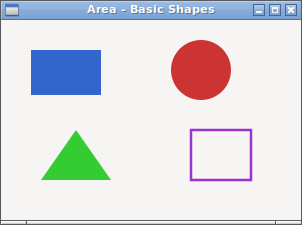
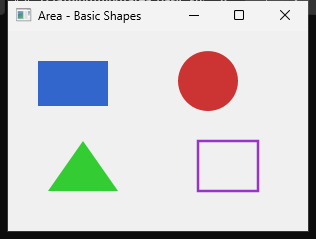
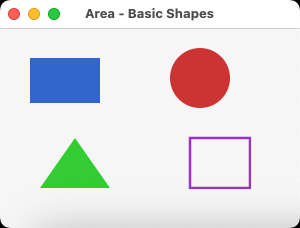
Runnable example
require "uing"

UIng.init

# Basic shapes drawing example
# Demonstrates: filled shapes on the top row and stroked paths on the bottom row

handler = UIng::Area::Handler.new do
  draw do |_area, params|
    ctx = params.context
    center_x = params.area_width / 2
    center_y = params.area_height / 2
    column_1 = center_x - 150
    column_2 = center_x - 50
    column_3 = center_x + 50
    column_4 = center_x + 150
    top_y = center_y - 50
    bottom_y = center_y + 50

    # Draw a blue rectangle
    blue_brush = UIng::Area::Draw::Brush.new(:solid, 0.2, 0.4, 0.8, 1.0)
    ctx.fill_path(blue_brush) do |path|
      path.add_rectangle(column_1 - 30, top_y - 25, 60, 50)
    end

    # Draw an orange rounded square
    orange_brush = UIng::Area::Draw::Brush.new(:solid, 1.0, 0.6, 0.2, 1.0)
    ctx.fill_path(orange_brush) do |path|
      path.add_rounded_rectangle(column_2 - 27, top_y - 27, 54, 54, 12)
    end

    # Draw a red circle (using arc)
    red_brush = UIng::Area::Draw::Brush.new(:solid, 0.8, 0.2, 0.2, 1.0)
    ctx.fill_path(red_brush) do |path|
      path.new_figure_with_arc(column_3, top_y, 27, 0, Math::PI * 2, false)
    end

    # Draw a green triangle (using lines)
    green_brush = UIng::Area::Draw::Brush.new(:solid, 0.2, 0.8, 0.2, 1.0)
    ctx.fill_path(green_brush) do |path|
      path.new_figure(column_4, top_y - 28)
      path.line_to(column_4 + 31, top_y + 28)
      path.line_to(column_4 - 31, top_y + 28)
      path.close_figure
    end

    # Use the same line style for the four stroked examples
    stroke_params = UIng::Area::Draw::StrokeParams.new(
      cap: :flat,
      join: :miter,
      thickness: 3.0,
      miter_limit: 10.0
    )

    # Draw a purple outlined rectangle
    purple_brush = UIng::Area::Draw::Brush.new(:solid, 0.6, 0.2, 0.8, 1.0)
    ctx.stroke_path(purple_brush, stroke_params) do |path|
      path.add_rectangle(column_1 - 30, bottom_y - 25, 60, 50)
    end

    # Draw a teal line
    teal_brush = UIng::Area::Draw::Brush.new(:solid, 0.1, 0.6, 0.7, 1.0)
    ctx.stroke_path(teal_brush, stroke_params) do |path|
      path.new_figure(column_2 - 30, bottom_y + 25)
      path.line_to(column_2 + 30, bottom_y - 25)
    end

    # Draw an amber arc
    amber_brush = UIng::Area::Draw::Brush.new(:solid, 0.9, 0.55, 0.1, 1.0)
    ctx.stroke_path(amber_brush, stroke_params) do |path|
      path.new_figure(column_3 + 26, bottom_y)
      path.arc_to(column_3, bottom_y, 26, 0, Math::PI * 1.5, false)
    end

    # Draw a pink Bezier curve
    pink_brush = UIng::Area::Draw::Brush.new(:solid, 0.75, 0.25, 0.55, 1.0)
    ctx.stroke_path(pink_brush, stroke_params) do |path|
      path.new_figure(column_4 - 30, bottom_y + 20)
      path.bezier_to(column_4 - 15, bottom_y - 35,
        column_4 + 15, bottom_y + 35,
        column_4 + 30, bottom_y - 20)
    end
  end
end

window = UIng::Window.new("Area - Basic Shapes", 440, 260)
window.on_closing do
  UIng.quit
  true
end

area = UIng::Area.new(handler)
box = UIng::Box.new(:vertical, padded: true)
box.append(area, stretchy: true)
window.child = box

window.show

UIng.main
UIng.uninit
Basic setup
Pass a configured Area::Handler to Area.new. The Area retains its Handler and closures until native destruction.
handler = UIng::Area::Handler.new do
  draw do |_area, params|
    brush = UIng::Area::Draw::Brush.new(:solid, 0.2, 0.4, 0.8, 1.0)
    params.context.fill_path(brush) do |path|
      path.add_rectangle(30, 30, 120, 70)
    end
  end
end

area = UIng::Area.new(handler)
window.child = area
Initialize UIng before creating controls, show the window, and run UIng.main as in the runnable example. The Area.new(handler, width, height) overload creates a scrolling area; the dimensions specify its content size.
In this chapter
This page introduces Area creation and the first drawing callback. Grow a drawing program through the following focused pages.
- Paths, brushes, and strokes: shapes, fills, strokes, and clipping
- Text: attributes, layouts, and typesetting
- Images:
UIng::Image, drawing, and scaling - Coordinate transforms: Matrix, coordinate systems, and save/restore
- Input and redraws: mouse/keyboard input, state, and animation
- Scrolling and examples: scrolling Areas, visible regions, and next examples
Related examples
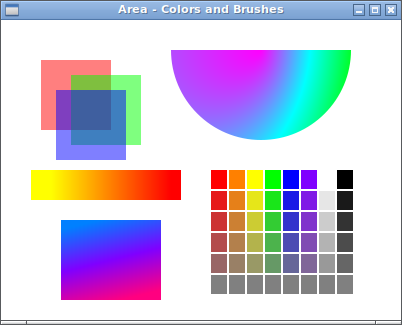
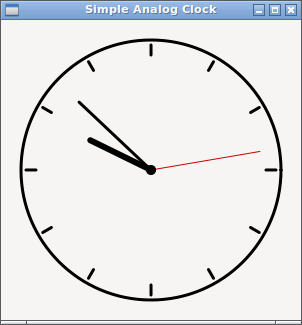
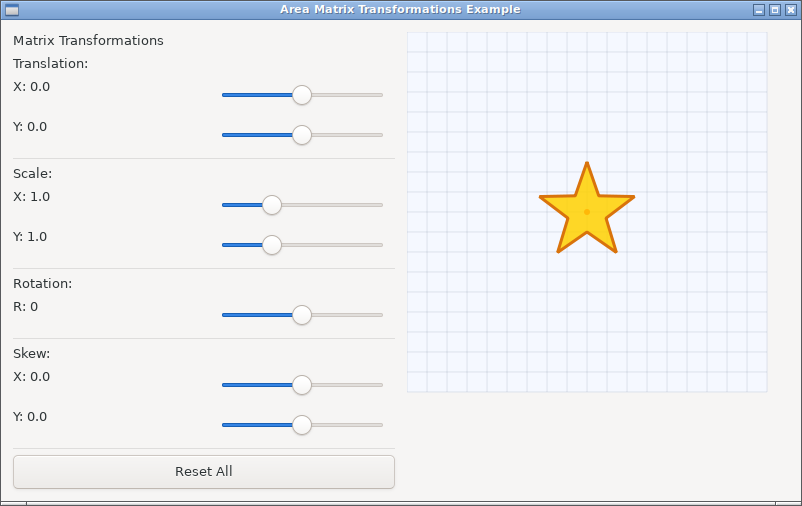
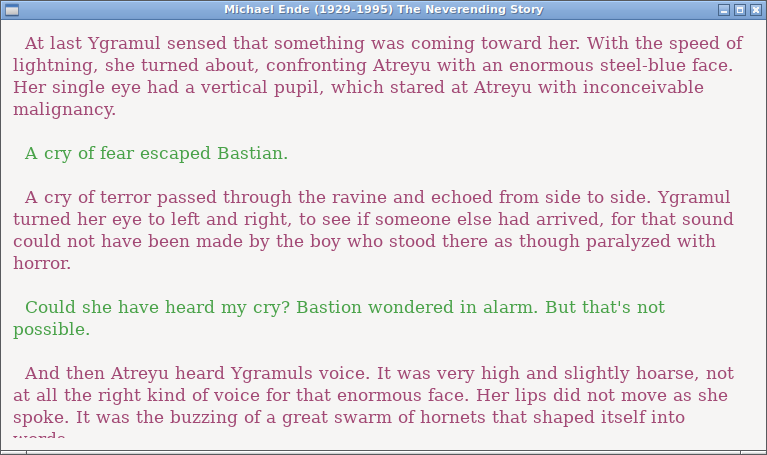
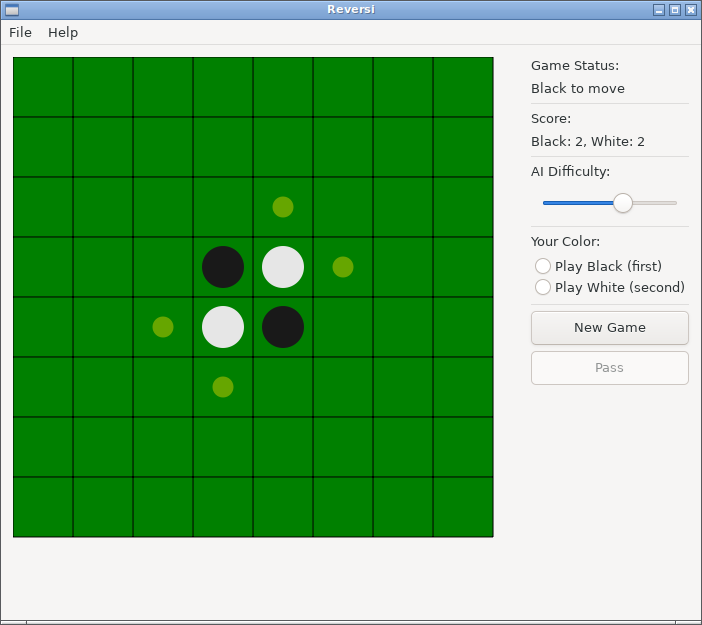
The optional CrImage integration has a separate image drawing example.