Creating D4 files
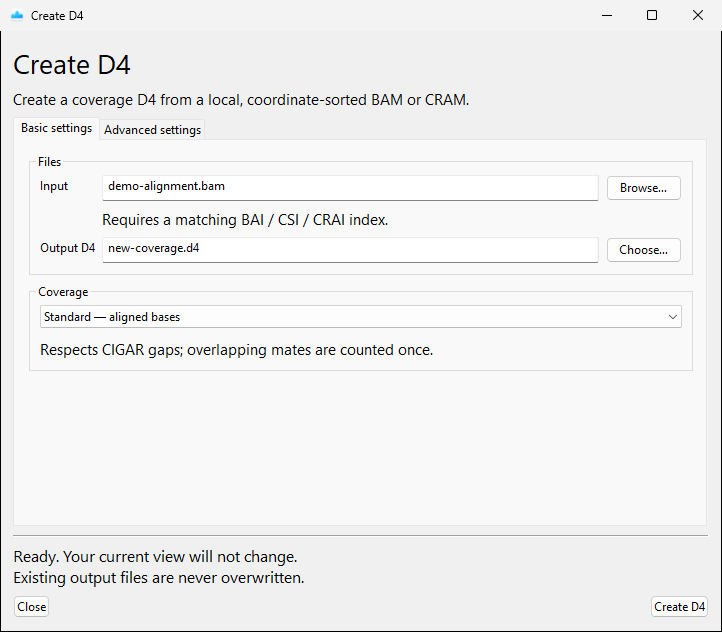
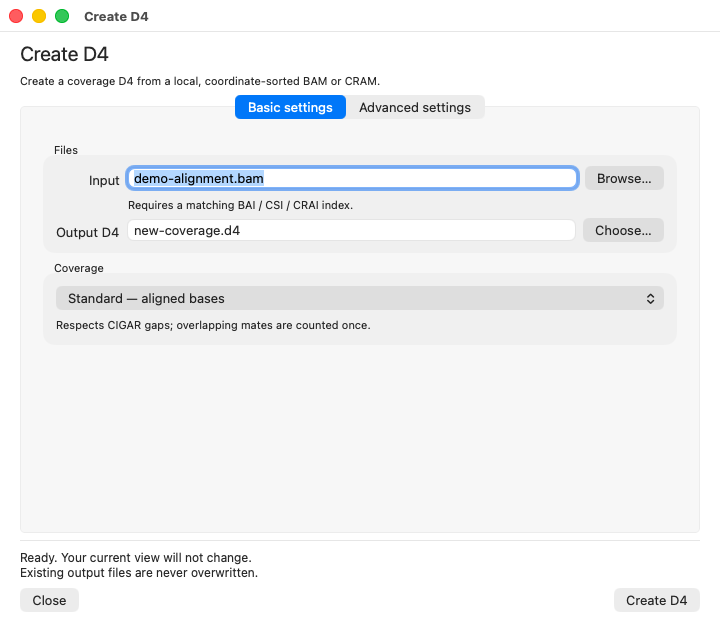
Choose Create D4 and provide:
- a coordinate-sorted BAM with BAI/CSI, or a CRAM with CRAI;
- for CRAM, the matching FASTA and
.faiindex; - a new output path ending in
.d4.
Use the same reference assembly as the tracks and annotations you plan to compare. Conversion cannot correct an assembly mismatch.
| Windows | macOS | Linux |
|---|---|---|
 |
 |
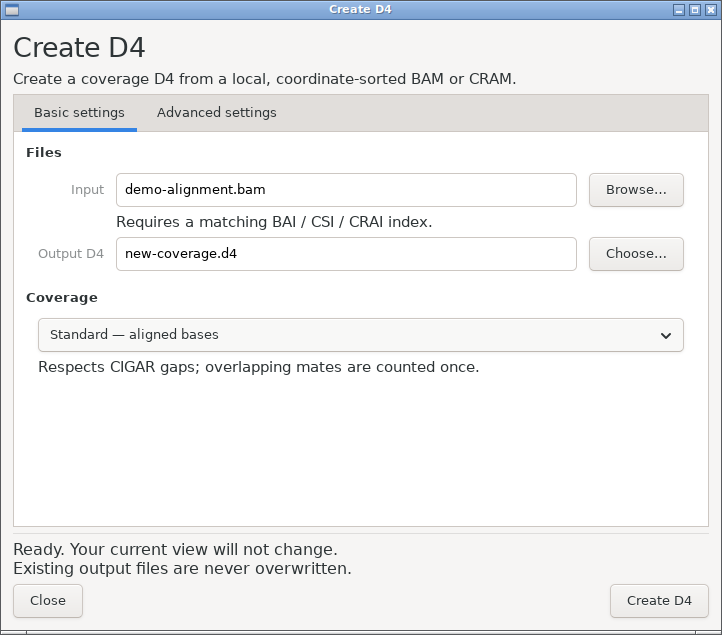 |
The screenshot uses a generated BAM; supply your own indexed alignment file.
Coverage mode
| Mode | Counts |
|---|---|
| Standard | Aligned bases; CIGAR gaps excluded; overlapping mates counted once. |
| Fast | Whole read spans, including CIGAR gaps; overlapping mates counted twice. |
| Fragments | Proper paired-template spans, including the insert. |
Settings
Basic settings selects files and mode. Advanced settings provides:
- minimum MAPQ;
- include/exclude SAM flags (by default, unmapped, secondary, QC-failed, and duplicate reads are excluded:
0x704; supplementary reads are not); - read groups and absolute template-length limits;
- BAM/CRAM decompression threads (default: 2).
Choose Create D4 to start. The viewer stays usable during conversion. On completion, choose Add to view to display the result; the file is saved even if you do not add it.
D4 Plot builds secondary-frame and sum indexes, verifies the file, and publishes it without replacing an existing destination. Cancellation or failure before publication removes the temporary result.